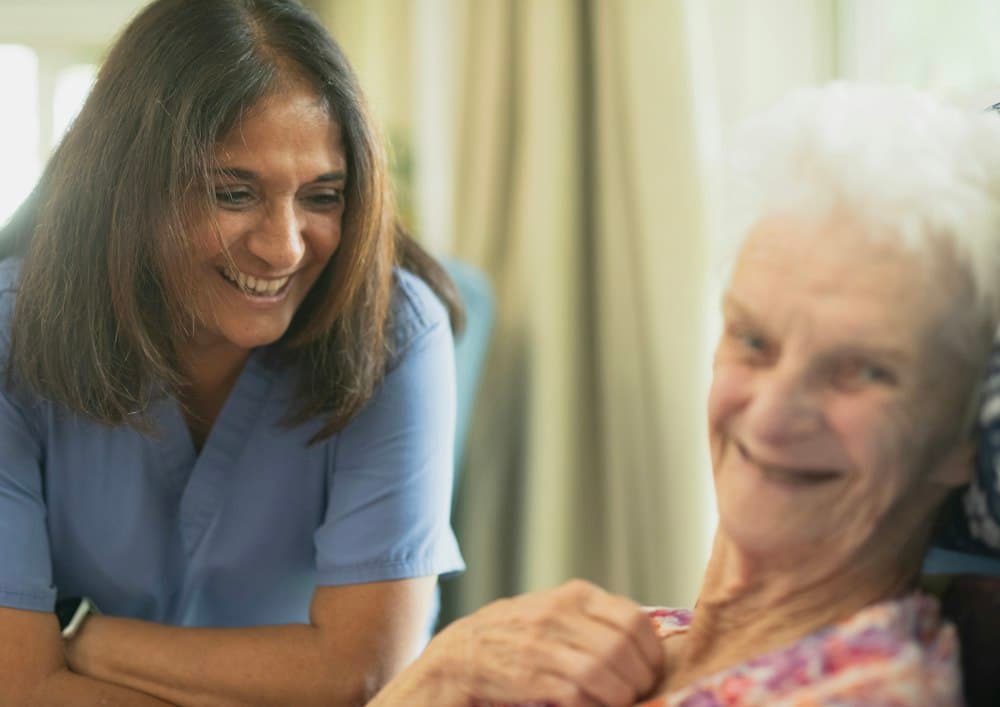
The Caregiver app:every visit run the same careful way.
Our nurses and caregivers use one app to check in, follow the patient’s checklist, record vitals and write the note. The family sees the result in the Family Portal.
What the caregiver does in the app
Shifts and check-in
Each caregiver sees their own shifts and the patients they are assigned to. They check in when they arrive and check out when they leave, and both times are recorded as they really happened.
A checklist for each patient
Every patient has their own checklist. A caregiver can propose a new item from the app, but it only goes live once a supervisor approves it.
Vitals at the bedside
A form for blood pressure, pulse, oxygen level and temperature. Required readings have to be filled in before the shift can be ended, so nothing is skipped.
Care notes
What was done, what was given and how the patient was, written during the visit and shown to the family and the care team.
SOS button
One press alerts the care team straight away, with the caregiver’s and the patient’s name.
Chat
Message the care team and the linked family from the same app.
Camera, where agreed
Where the family has agreed to it, the caregiver can publish a live camera view during their shift.
Notifications
Shift changes, checklist decisions and alerts from the care team arrive as phone notifications.
Where it fits in a visit
The caregiver app is where most of a visit’s record is written.
- 1
Checks in
Caregiver appThe caregiver checks in on arrival. The family sees "on site" and the time.
- 2
Follows the checklist
Caregiver appMedicines, dressings, walking, meals: each item from the patient’s approved checklist is ticked off.
- 3
Records vitals
Caregiver app and monitorReadings are entered, or arrive live from a connected bedside monitor, and the family sees them as they come in.
- 4
Keeps everyone informed
Family PortalNotes, vitals and messages reach the family in the portal, and new items show up in its notifications.
- 5
Checks out
Caregiver appThe shift ends only when required vitals are in. The end time is recorded as it really happened.
Tell us about your family.
Say who needs care and what has happened. We will suggest which role fits and when we can start.