

 Respiratory
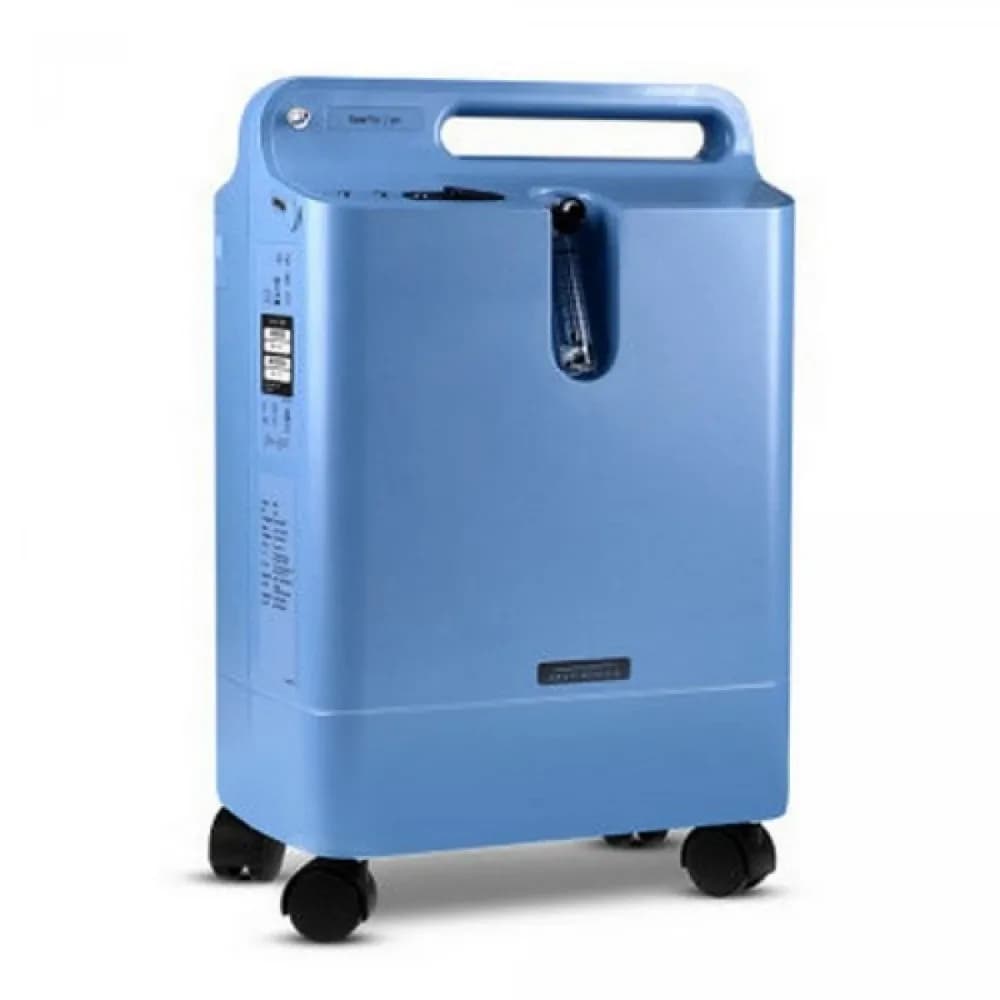
Oxygen concentrator
Philips Respironics EverFlo
Continuous, reliable oxygen supply without the need for cylinder refills.
Rent from Rs 700/day · Buy from Rs 80,000
Chat on WhatsAppThe home healthcare platform, across Pakistan
Alpha Home is a home healthcare platform: trained nurses and caregivers at your door, and a Family Portal and apps that keep everyone on one live record.
Our approach
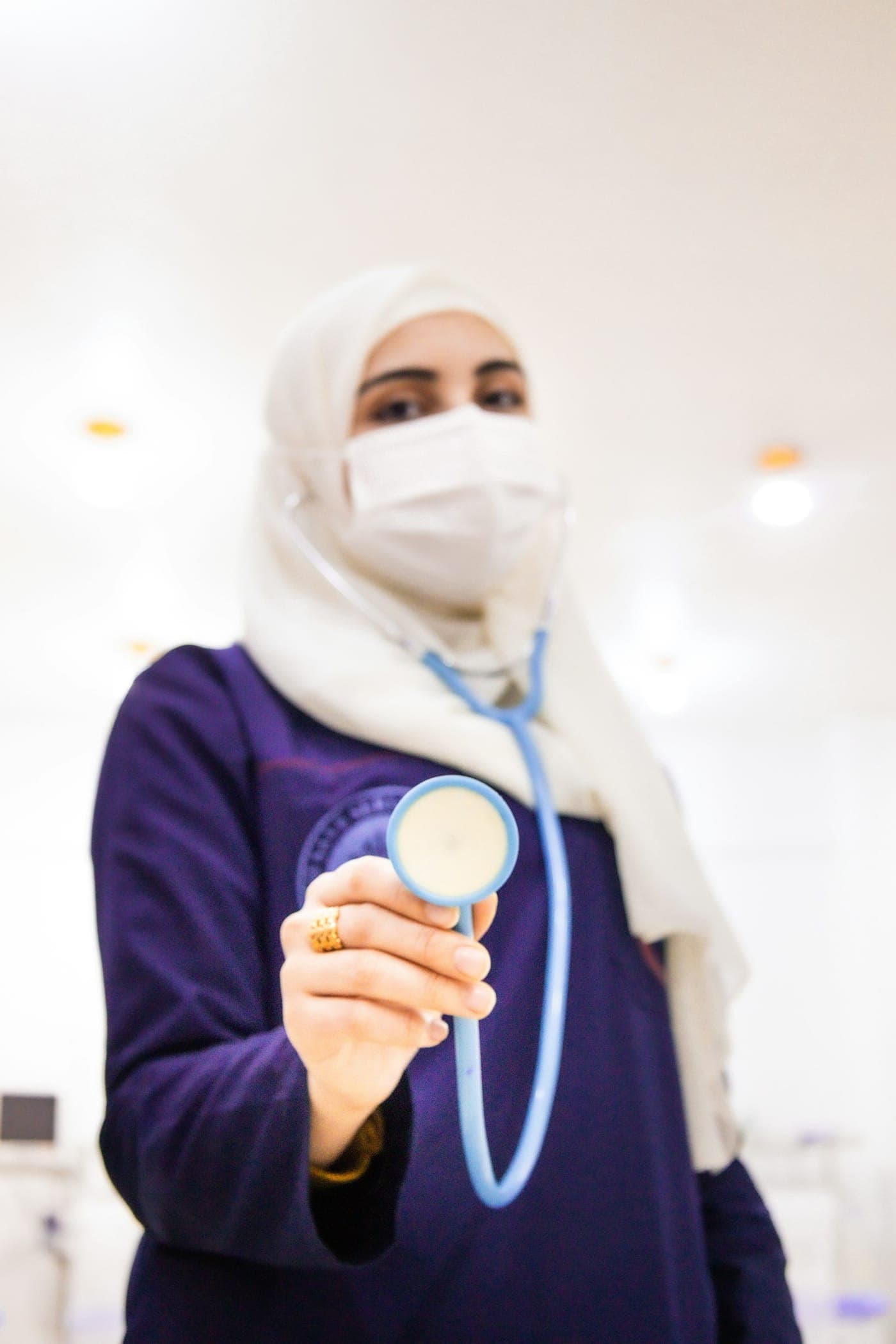
We combine trained nurses with software that records every visit, so every family feels confident and calm.

Watch, 3 minutes
A nurse at the door, a Family Portal on your phone, and one live record of every visit.
The Alpha Home platform
What a nurse enters at the bedside is what the family sees, and what our supervisors review. Nothing is written twice.
Mr S., 78
Recovering after hip surgery
Live vitals
LiveHeart rate
72bpm
SpO₂
98%
Blood pressure
124/82mmHg
Pain level
2/10
Temperature
36.9°C
Active shift
Nurse A.
Since 8:02 AM
Care note 9:05 AM
Dressing changed, wound clean and dry.
Tracking 15 s ago
Caregiver is at the home.
Our services
Our people
Five roles, from a registered nurse to an attendant. Pick the closest fit, or call and we will help you choose.
Medical equipment on rent or sale
Alpha Home also rents and sells oxygen and breathing support, beds, monitors and mobility aids. Tap Chat on WhatsApp on any item and we reply with availability and price. Delivery is across Karachi.
RespiratoryPhilips Respironics EverFlo
Continuous, reliable oxygen supply without the need for cylinder refills.
Rent from Rs 700/day · Buy from Rs 80,000
Chat on WhatsApp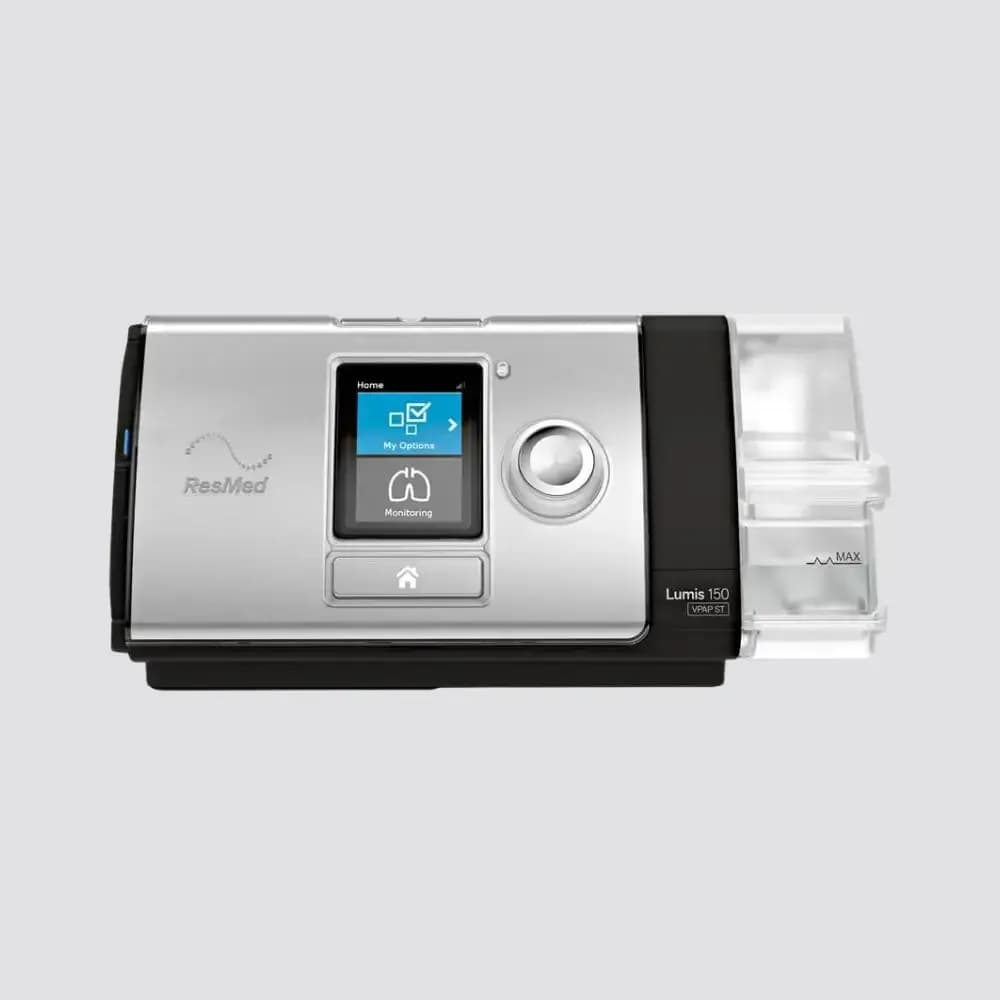 Respiratory
ResMed Lumis 150
Bilevel breathing support at home for COPD, breathing failure and patients coming home from ICU.
Rent from Rs 250/day (Rs 7,500/month) · Buy from Rs 35,000
Chat on WhatsApp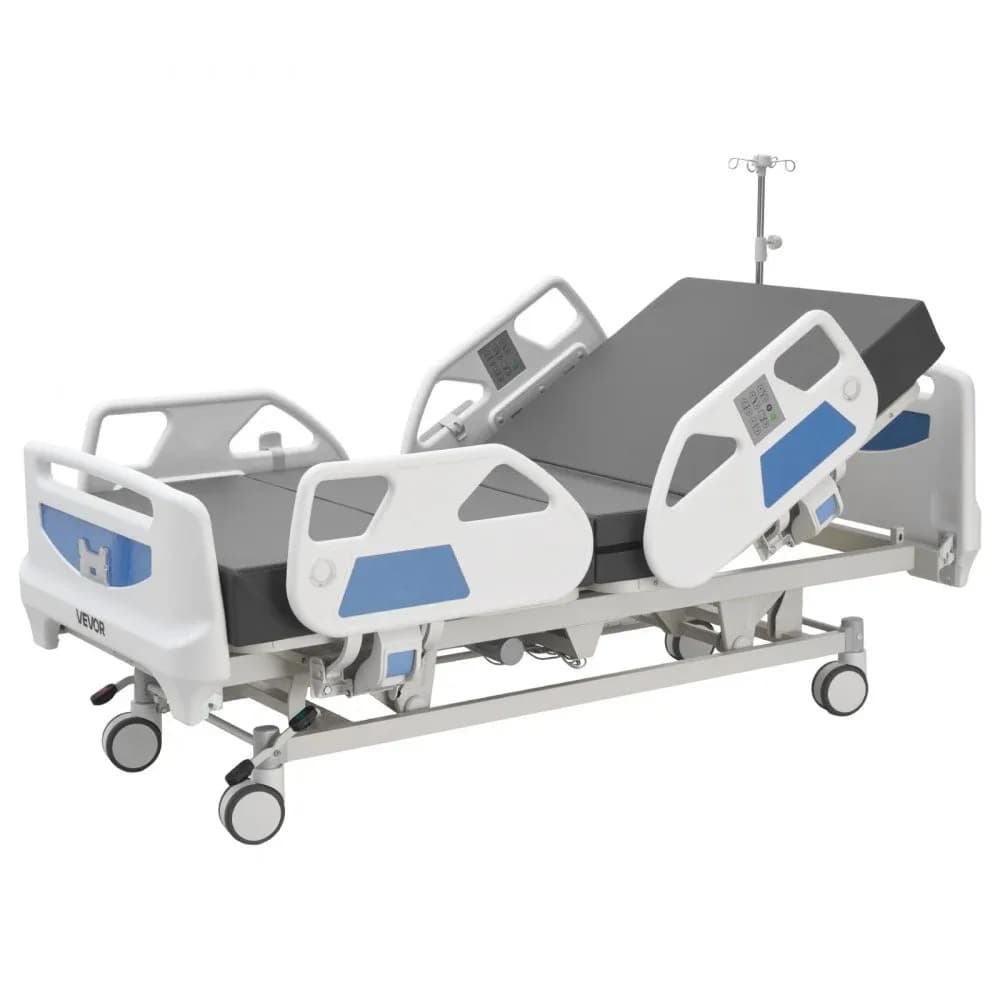 Patient care
VEVOR 5-function electric ICU bed
Electric, manual and semi-fowler hospital beds for comfortable care at home.
Rent from Rs 350/day
Chat on WhatsApp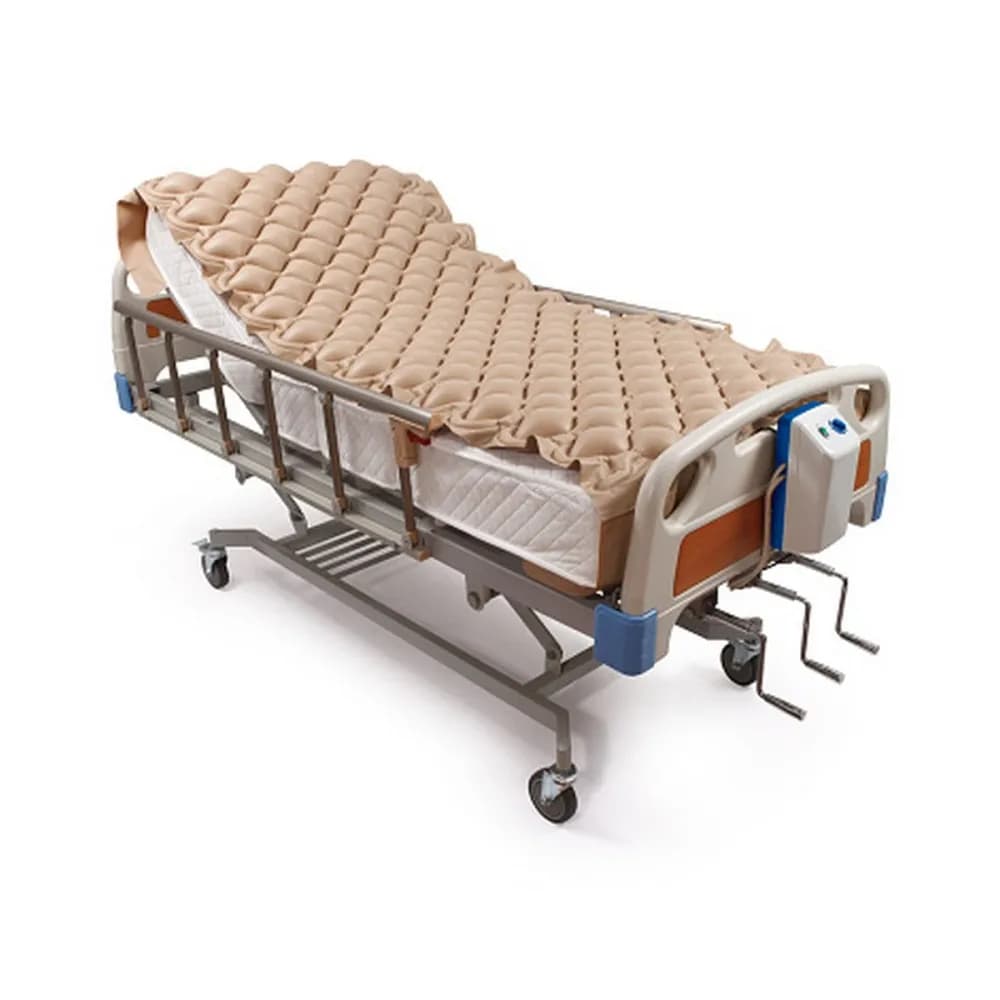 Patient care
LifeCare LC-100 anti-decubitus mattress
Alternating-pressure mattress to prevent and treat bedsores.
Rent or buy. Price on request.
Chat on WhatsApp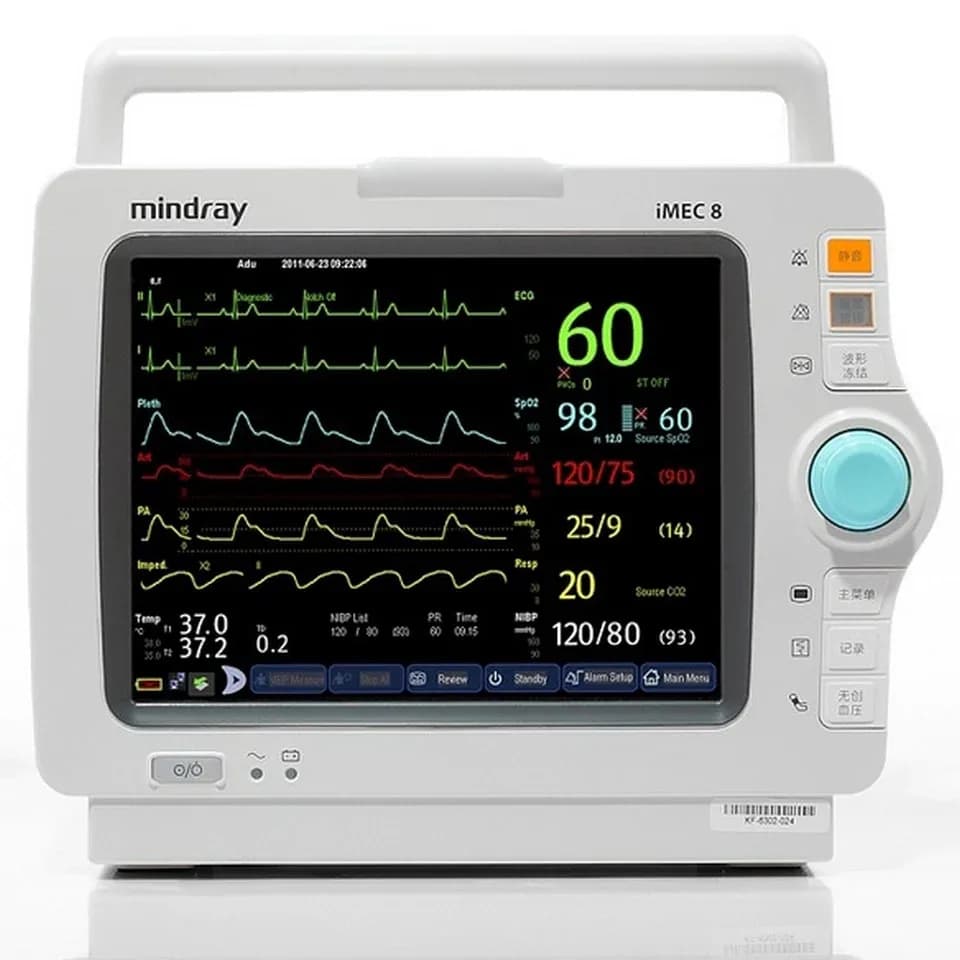 Monitoring
Mindray iMEC 8
Continuous multi-parameter monitoring of vital signs.
Rent or buy. Price on request.
Chat on WhatsApp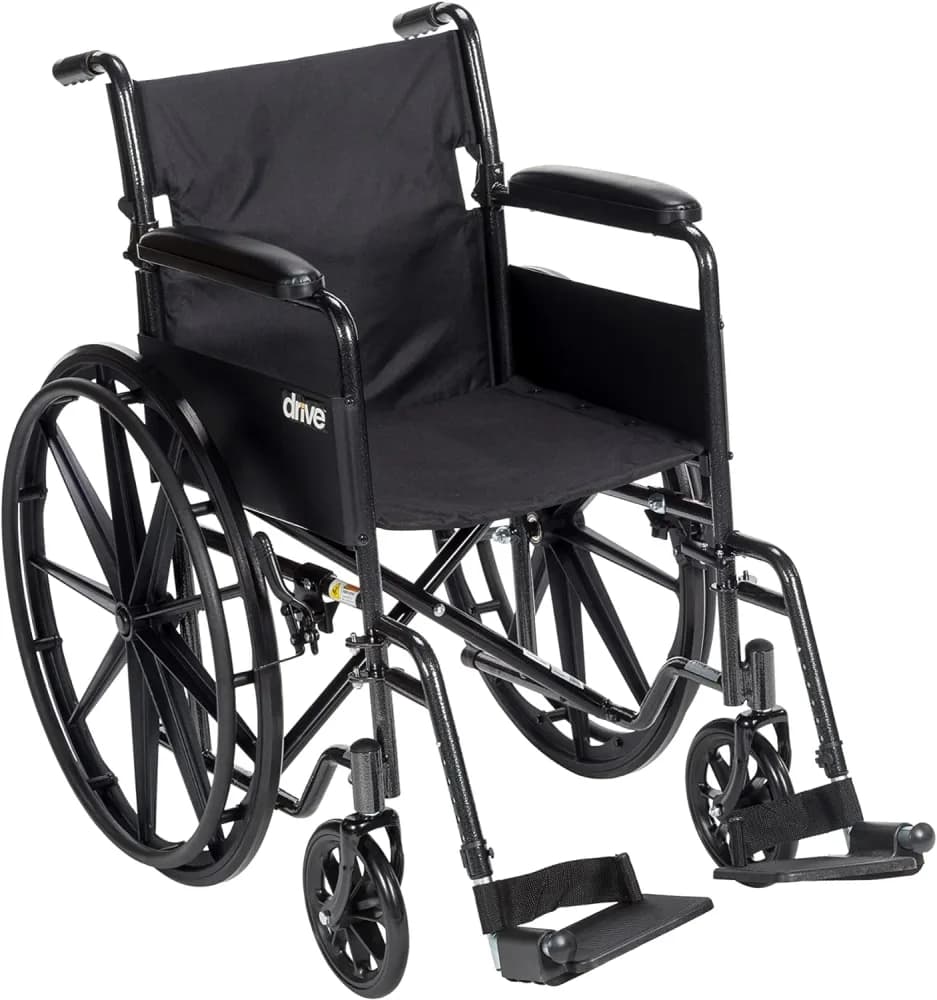 Mobility
Drive Medical Silver Sport 1
A manual wheelchair for comfortable, safe transport.
Rent or buy. Price on request.
Chat on WhatsAppPrices shown are starting rates. Availability and the final price are confirmed when you chat with us.
How it works
Call, message us on WhatsApp or send the form. Tell us who needs care and what has happened.
We ask a few questions about the patient and the doctor’s instructions, then suggest which role fits.
We agree the schedule with you and book the first visit. Your Family Portal login is created when care starts.
Request a visit
Family Portal
Checked in. Phone location matches the home
Medicines given. Morning tablets, as prescribed
Vitals. BP 124/82 · Pulse 72 · SpO₂ 98% · Temp 36.9°C
Dressing changed. Wound clean and dry
Walked with support. 10 minutes, no pain reported
Checked out. Note sent to the family
You see when the caregiver arrived and left, and where they are during a visit.
Blood pressure, pulse, oxygen and temperature are logged, and reports sit in one place.
About the Family PortalInside the Family Portal
The caregiver checks in from their phone when they arrive and checks out when they leave. Where we have the home’s location on file, check-in only goes through if they are actually there.
What was done, what was given, how the patient was. Written by the person who was there, shown in the portal.
Blood pressure, pulse, oxygen level and temperature, recorded on the visit. If a bedside monitor is connected, the readings update live.
During a visit you can see that the caregiver is on shift and where they are.
Where the family has asked for it and agreed to it, a live camera view during the visit.
Reports and documents are shared in the portal. You can message our team from the same place.
If the caregiver presses the SOS button, our team is alerted straight away.
How it works together
What the caregiver does at the bedside shows up for the family as it happens. The same record, written once.
The caregiver checks in on arrival. The family sees "on site" and the time.
Medicines, dressings, walking, meals: each item from the patient’s approved checklist is ticked off.
Readings are entered, or arrive live from a connected bedside monitor, and the family sees them as they come in.
Notes, vitals and messages reach the family in the portal, and new items show up in its notifications.
The shift ends only when required vitals are in. The end time is recorded as it really happened.
How we keep care on track
Three rules built into the platform, so care does not depend on anyone’s memory.
01
Every patient has their own checklist, approved by one of our supervisors. A caregiver can suggest a new item, but it only goes on the checklist once a supervisor approves it.
Ended by the caregiver, 35 min late
02
The caregiver ends the visit, and we record when it really ended next to when it was scheduled to end. Staying late shows up as it happened.
Visit record
Times · Care notes · Vitals
Family
Supervisor
Same record, same words
03
The family and our supervisors read the same visit record: times, notes and vitals. There is one version of what happened.
Access and privacy
Family
Family Portal
Only their own linked patient: live vitals, camera view, care notes and reports for that one person. Never anyone else’s.
Caregiver
Caregiver app
Their own shifts and the patients they are assigned to: vitals, care notes, checklists and chat.
Care team
Our own internal tools
Our supervisors can review every visit across Alpha Home, so care stays on track. Caregivers and families can never open these tools.
FAQ
Short, plain answers about care at home, the Family Portal and how to start.
A trained nurse or caregiver looks after the patient at home instead of in a hospital: after surgery, during a long illness, or in old age.
Call +92 300 0000000, message us on WhatsApp, or send the request form. Tell us about the patient and what help is needed, and we will say which role fits.
A nurse for injections, medicines, wound dressings and monitoring. A nursing assistant for washing, eating and moving. An attendant for company and everyday help. Many families use two. If you are not sure, ask us.
Yes. Dressings, medicines, vitals and help getting moving again are among the most common reasons families call us.
Yes, through the Family Portal: arrival and departure times, a note after the visit, vitals and messages.
We send nurses and caregivers to homes across Pakistan, including Karachi, Lahore, Islamabad, Rawalpindi, Faisalabad, Multan and more. Tell us your city and area and we will confirm who can reach you and when.